
The attack surface of a webmail does not just include the login form. On Akeonet, session persistence, the choice of the second authentication factor, and the configuration of the client machine weigh as heavily as the strength of the password. Here we detail the technical points that are often overlooked in standard user guides.
Session theft and persistent token: the vulnerability after Akeonet login
Strong authentication does not protect an already issued session token. An infostealer installed on the machine can exfiltrate the session cookie from the browser, allowing an attacker to access the mailbox without ever entering the password. This scenario is documented by several CERTs and affects all webmail services, including Akeonet.
In practice, the defense relies on three levers on the user side. First, always log out on any shared device instead of just closing the tab. Next, keep the browser and operating system up to date to limit injection vectors. Finally, avoid installing unverified browser extensions, which are the main channel for introducing information-stealing software.
We also recommend regularly checking active sessions in the Akeonet interface. If the service provides a connection history (IP address, timestamp), access from an unknown location indicates a compromised token. The appropriate reaction is to revoke all sessions and immediately change the password.
A comprehensive guide on secure Akeonet webmail authentication details the procedure for checking sessions and the automatic logout settings to enable.
Choice of the second factor: TOTP, FIDO2 or SMS on Akeonet
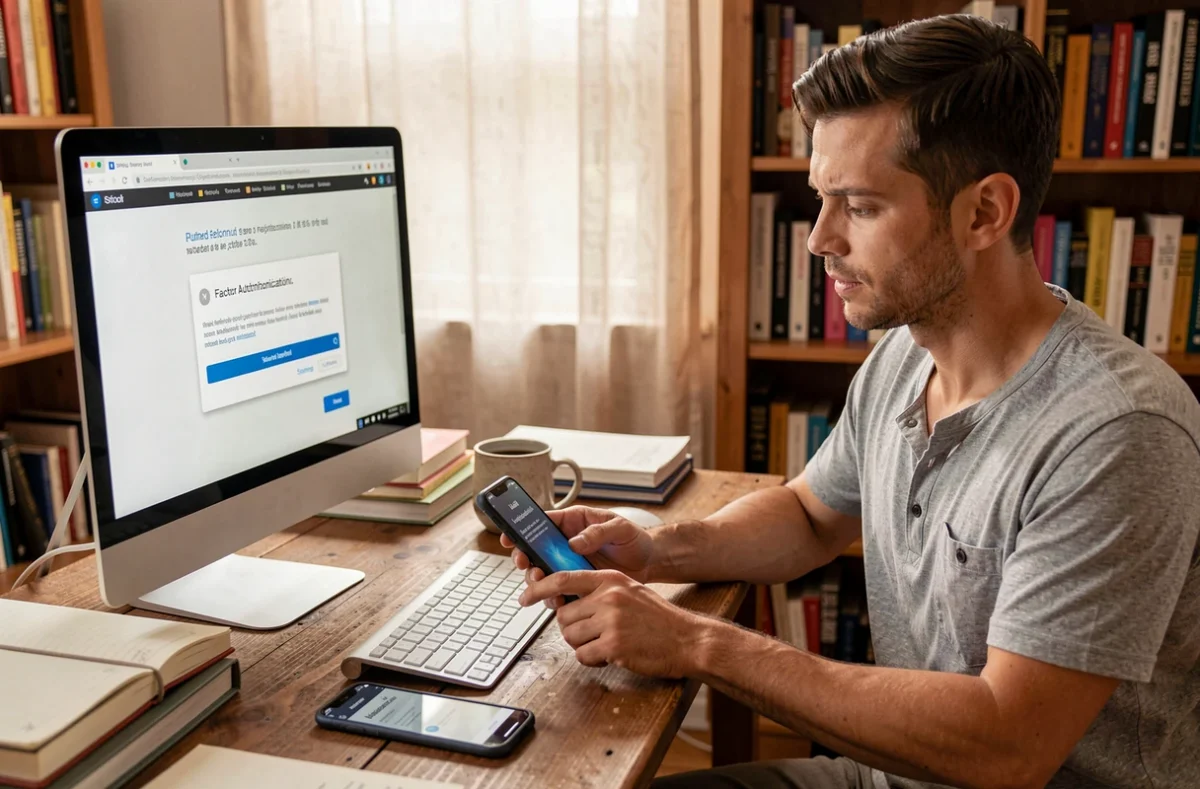
Not all second authentication factors are equal. ANSSI advises against relying solely on SMS for sensitive accounts due to the risk of SIM swapping (number hijacking through social engineering with the operator). SMS remains a transitional factor, acceptable in the absence of alternatives, but not a suitable choice for a professional mailbox.
If Akeonet offers a TOTP application (locally generated temporary code), it should be prioritized. The code is calculated on the device without passing through the phone network, which neutralizes interception via SIM swap. A physical FIDO2 key or a passkey offers a higher level of security, as the cryptographic secret never leaves the hardware device.
Criteria for evaluating the MFA offered by your provider
- Does the service support TOTP applications (FreeOTP, Aegis, Google Authenticator) or only SMS?
- Is there an option for a FIDO2/WebAuthn key for users managing sensitive data?
- Are offline recovery codes generated when MFA is activated, and can they be stored independently of the phone?
- Is MFA enforced by the domain administrator or is it optional for each mailbox?
Optional MFA often amounts to absent MFA. We observe that domains where the administrator forces activation significantly reduce account compromise incidents.
Secure SMTP configuration and impact on the authentication chain
Using an external email client (Thunderbird, Outlook, mobile app) requires correctly configuring Akeonet’s SMTP server. Prioritizing an encrypted connection via STARTTLS on the port recommended by the provider remains the basic rule. An unencrypted port exposes the risk of clear-text interception of credentials and message content.
The often-overlooked point concerns the interaction between the external client and MFA. On most webmails, the second factor only protects access via the browser. SMTP sending relies on the username/password pair, without a TOTP code. This means that a compromised password is sufficient to send emails from a third-party client, even if MFA blocks access to the webmail.
Reducing this risk on an Akeonet account
- Use a dedicated SMTP client password (application password) distinct from the main password, if Akeonet allows it
- Restrict SMTP access to known IP addresses via the client space or domain administrator rules
- Monitor sending logs for unusual volume or recipients, a sign of an account being used for spam
Data minimization and client machine hygiene
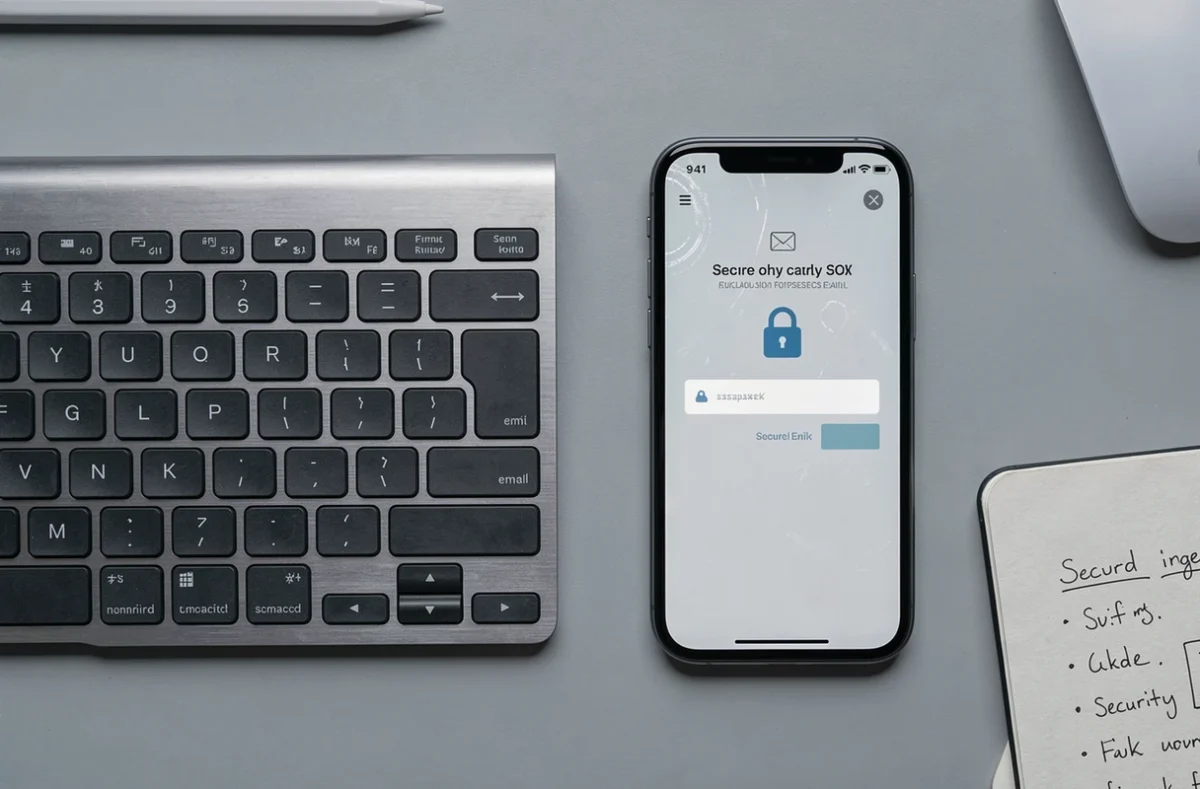
The protection of personal data transmitted through Akeonet messaging does not solely depend on the server. The client machine is the most exposed link. A browser that automatically saves passwords in an unlocked integrated manager provides direct access to the mailbox in case of theft or unauthorized physical access.
We recommend storing Akeonet credentials in a dedicated password manager, protected by a distinct master password. The browser should not remember the webmail password. This separation prevents automated extraction by an infostealer targeting password databases integrated into browsers.
Another technical reflex is to limit the data retained in the mailbox itself. Attachments containing personal data (pay slips, identity documents) should be downloaded, stored in an encrypted local space, and then deleted from the server. This minimization approach reduces the impact of a compromise of the account.
Securing an Akeonet webmail relies on the combination of these layers: suitable second factor, controlled sessions, isolated SMTP, and hardened client machine. Neglecting any one of them is enough to render the others ineffective.